

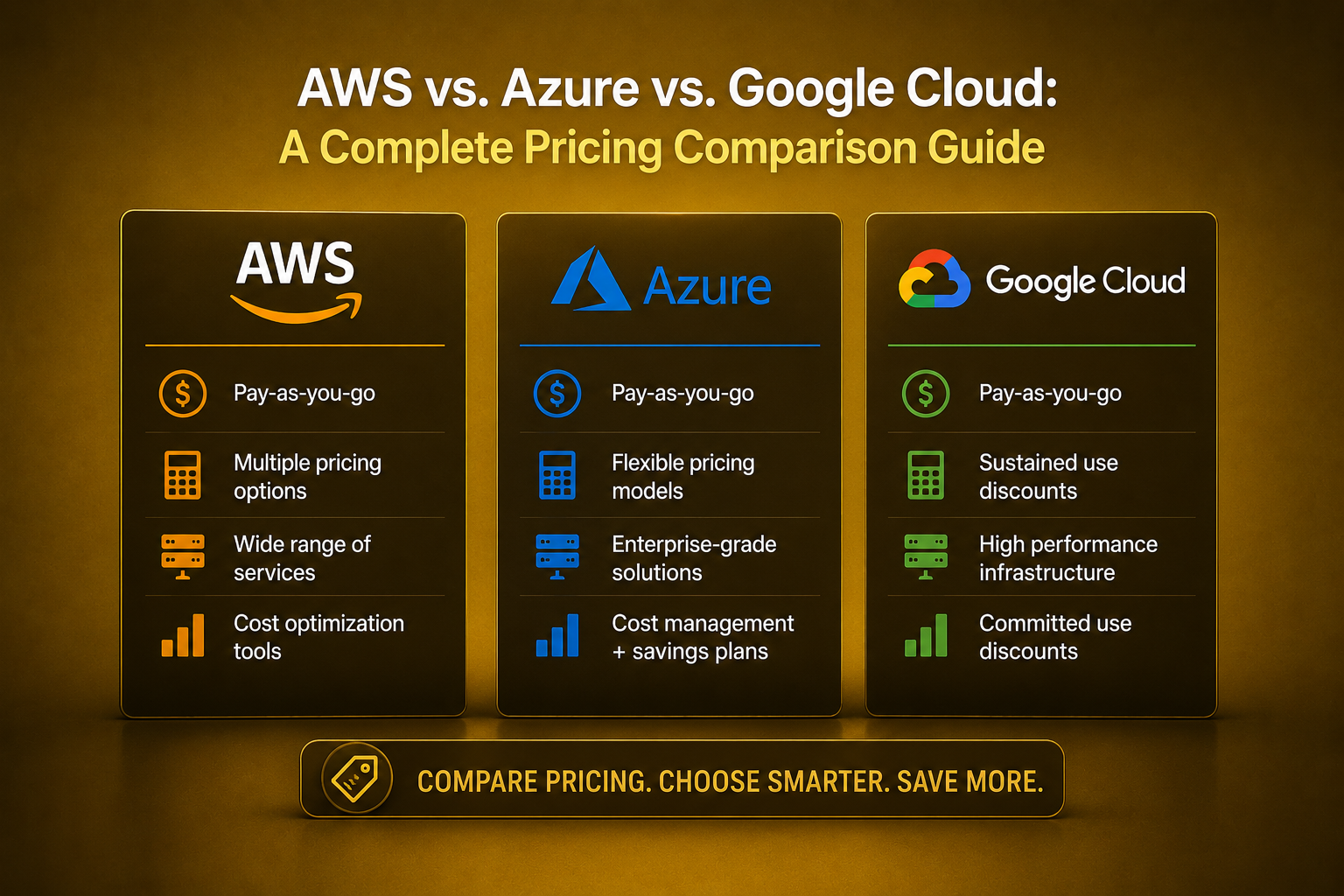
Choosing a cloud provider is one of the most consequential technology decisions an organization makes, and pricing is frequently the deciding factor once technical requirements have been satisfied. Amazon Web Services (AWS), Microsoft Azure, and Google Cloud Platform (GCP) each offer overlapping but distinctly structured pricing models, and understanding these differences can mean the difference between a predictable IT budget and a costly surprise at the end of the month. This guide breaks down how each provider prices its core services and offers a framework for comparing total cost across providers.
Why Cloud Pricing Comparison Is So Difficult
Unlike traditional software licensing, cloud pricing is granular, consumption-based, and constantly evolving. Each provider offers hundreds of services, each with its own pricing structure based on factors like compute time, storage volume, data transfer, and API requests. Prices also vary by region, and providers frequently introduce new discount mechanisms, reserved capacity options, and promotional credits that can significantly shift the effective cost of running a given workload.
This complexity means that a straightforward, apples-to-apples price comparison is rarely possible without first defining a specific workload profile — the type and volume of compute, storage, and networking a particular application actually requires.
Compute Pricing Models
On-Demand Pricing
All three providers offer on-demand pricing, where customers pay for compute resources by the second or hour with no upfront commitment. This is the most flexible option but also generally the most expensive on a per-unit basis, making it best suited for unpredictable or short-term workloads.
Reserved and Committed Use Discounts
AWS offers Reserved Instances and Savings Plans, which provide significant discounts (often 40-60% compared to on-demand pricing) in exchange for committing to a specific usage level over a one- or three-year term. Azure offers a comparable model called Reserved Virtual Machine Instances, along with Azure Hybrid Benefit for customers with existing Windows Server or SQL Server licenses. Google Cloud offers Committed Use Discounts, which function similarly but are often noted for slightly more flexibility in how commitments can be applied across different machine types.
Spot and Preemptible Instances
For workloads that can tolerate interruption, all three providers offer significantly discounted compute capacity drawn from unused infrastructure. AWS calls this Spot Instances, Azure calls it Spot Virtual Machines, and Google Cloud calls it Preemptible VMs (or Spot VMs in newer terminology). Discounts can reach 70-90% compared to on-demand pricing, making these options attractive for batch processing, testing, and fault-tolerant distributed workloads.
Sustained Use Discounts
Google Cloud has historically differentiated itself with automatic sustained use discounts, which apply automatically when a virtual machine runs for a significant portion of a billing month, without requiring any upfront commitment. This contrasts with AWS and Azure’s reserved capacity models, which require proactive commitment decisions.
Storage Pricing Comparison
Object Storage
AWS S3, Azure Blob Storage, and Google Cloud Storage all offer tiered pricing based on access frequency, with “hot” storage tiers costing more per gigabyte but offering lower or no retrieval fees, and “cold” or archive tiers offering dramatically lower storage costs in exchange for higher retrieval costs and longer retrieval times.
Pricing structures across all three are broadly comparable at the entry level, but differences emerge in areas like minimum storage duration requirements for cold tiers, data retrieval fees, and the specific pricing of early deletion penalties, all of which can meaningfully affect total cost depending on access patterns.
Block and File Storage
Persistent disk storage attached to virtual machines is priced per gigabyte per month across all providers, with additional charges typically applying for higher-performance storage tiers (such as SSD-backed storage versus standard HDD-backed storage).
Data Transfer and Egress Costs
One of the most significant and often underestimated cost factors in cloud computing is data egress — the cost of transferring data out of the cloud provider’s network to the internet or to another cloud provider. All three major providers charge for outbound data transfer, generally with tiered pricing that decreases per gigabyte as volume increases.
Data transfer between services within the same region is often free or heavily discounted, while transfers between regions or to the public internet can accumulate significant costs for data-intensive applications. This has become enough of an industry concern that some competing cloud storage providers have built their value proposition specifically around eliminating or minimizing egress fees, putting some pressure on the major providers to periodically adjust their own egress pricing.
Managed Database Pricing
Each provider offers managed relational and NoSQL database services with pricing based on a combination of compute capacity, storage volume, and, in the case of NoSQL services, request or throughput volume. AWS offers services like RDS and DynamoDB, Azure offers Azure SQL Database and Cosmos DB, and Google Cloud offers Cloud SQL and Firestore/Bigtable.
Serverless database options, which automatically scale capacity based on actual usage rather than requiring pre-provisioned capacity, have become increasingly popular across all three providers, since they can significantly reduce costs for workloads with variable or unpredictable demand patterns.
Free Tier and Promotional Credits
All three providers offer free tier programs designed to encourage adoption, typically including a limited amount of compute, storage, and other services at no cost for a defined period, along with certain services that remain free indefinitely up to specified usage limits. Additionally, providers frequently offer promotional credits to new customers, startups (often through dedicated startup programs), and enterprises negotiating larger commitments, which can significantly offset costs during initial adoption phases.
Enterprise Discount Programs
Beyond published pricing, all three providers offer negotiated enterprise agreements for large customers, which can include custom discount structures based on committed annual spend, volume discounts across service categories, and additional support and account management benefits. Organizations with significant cloud spend should generally engage directly with provider sales teams rather than relying solely on published on-demand pricing, since negotiated discounts can substantially change the effective cost comparison between providers.
Total Cost of Ownership Beyond Raw Pricing
Support Costs
Each provider offers tiered support plans, ranging from basic support included in all accounts to premium enterprise support with guaranteed response times and dedicated technical account managers. These support costs, often calculated as a percentage of overall usage, can represent a significant portion of total cloud spend for organizations requiring higher support tiers.
Operational Overhead
Beyond direct billing, the operational complexity of managing a given provider’s services affects total cost of ownership. Some organizations find that one provider’s tooling and documentation better align with their existing skill sets and workflows, reducing the operational overhead of cloud management even if raw compute pricing is similar across providers.
Multi-Cloud and Migration Costs
Organizations considering a multi-cloud strategy, or a migration from one provider to another, should factor in the cost and complexity of managing multiple billing relationships, potential data transfer costs between providers, and the operational overhead of maintaining expertise across multiple platforms.
Practical Approaches to Comparing Costs
Use Official Pricing Calculators
Each provider offers a detailed pricing calculator that allows for relatively precise cost estimation based on a specific configuration. While these tools require detailed input about expected usage, they provide a much more accurate comparison than relying on generic per-hour compute pricing alone.
Model Realistic Workload Scenarios
Rather than comparing abstract unit pricing, model actual expected workloads, including compute, storage, data transfer, and any managed services that would be required, since the interaction between these different cost components often reveals meaningful differences that aren’t apparent from any single pricing dimension in isolation.
Account for Discount Eligibility
If your organization can commit to predictable usage levels, factor in reserved capacity or committed use discounts, since the effective price difference between providers can shift substantially once these discounts are applied compared to pure on-demand pricing.
Consider Regional Pricing Variation
Cloud pricing varies by region, sometimes significantly, so cost comparisons should be based on the specific regions where your organization actually plans to deploy infrastructure, rather than a single reference region that may not reflect your actual deployment.
Serverless and Container Pricing
Serverless computing has become an increasingly popular deployment model precisely because of its pricing structure: rather than paying for continuously running infrastructure, customers pay only for actual execution time. AWS Lambda, Azure Functions, and Google Cloud Functions (along with Cloud Run) all follow broadly similar pricing models, charging based on the number of invocations, execution duration, and memory allocated to each function.
For container-based workloads, managed Kubernetes services — Amazon EKS, Azure Kubernetes Service (AKS), and Google Kubernetes Engine (GKE) — differ in an important way: Google historically did not charge a separate management fee for the Kubernetes control plane on many cluster configurations, while AWS and Azure have historically charged a per-cluster hourly fee for control plane management, though pricing structures across all three continue to evolve. In all cases, the underlying compute nodes that run within the cluster are billed according to standard virtual machine pricing, meaning the container orchestration layer itself is typically a small fraction of total workload cost compared to the compute resources it manages.
Serverless container services, such as AWS Fargate, further abstract away the underlying virtual machines, charging directly for the vCPU and memory resources consumed by running containers. This can simplify cost management by eliminating the need to separately optimize virtual machine utilization, though it typically carries a price premium compared to self-managed compute instances running the same workload.
Networking Cost Considerations
Beyond data egress, several other networking-related charges can meaningfully affect total cloud spend. Load balancer services are typically billed based on a combination of hourly usage and the volume of data processed. NAT gateway services, used to allow private subnet resources to access the internet, are billed both per hour of operation and per gigabyte of data processed, and can become a surprisingly significant cost line item for architectures with high outbound traffic volume from private subnets.
Content delivery network (CDN) services — Amazon CloudFront, Azure CDN, and Google Cloud CDN — offer their own tiered pricing structures based on data transfer volume and the geographic regions from which content is served, and can often reduce overall costs compared to serving content directly from origin servers or storage, particularly for globally distributed audiences, by caching content closer to end users and reducing origin egress traffic.
Virtual private network and dedicated interconnect services, used to establish secure, high-bandwidth connections between on-premises infrastructure and the cloud provider’s network, carry their own distinct pricing structures that typically include both a fixed hourly or monthly connection fee and per-gigabyte data transfer charges.
Common Causes of Unexpected Cost Overruns
Organizations new to cloud computing frequently encounter unexpected billing surprises, and understanding the common causes can help avoid them. Unused or idle resources — virtual machines left running after a project concludes, unattached storage volumes, or idle load balancers — continue to accrue charges until explicitly terminated, making regular resource audits an important cost control practice.
Data transfer costs are frequently underestimated during initial architecture planning, particularly for applications that transfer significant volumes of data between availability zones, regions, or out to the public internet. Architectures that aren’t designed with data locality in mind can accumulate substantial and unanticipated egress charges as usage scales.
Autoscaling configurations, while valuable for handling variable demand, can also lead to cost overruns if scaling limits aren’t carefully configured, potentially allowing runaway scaling in response to traffic spikes, bugs, or even malicious activity like denial-of-service attacks.
Storage tier mismanagement — storing infrequently accessed data in expensive “hot” storage tiers rather than appropriate archive tiers — represents another common and easily avoidable source of excess cost, particularly for organizations with large volumes of historical or backup data.
Cost Management and Optimization Tools
All three major providers offer native cost management tools: AWS Cost Explorer and AWS Budgets, Azure Cost Management, and Google Cloud’s Cost Management tools. These allow organizations to visualize spending trends, set budget alerts, and identify significant cost drivers within their cloud environment. Beyond native tooling, a growing ecosystem of third-party cloud cost management platforms (often referred to as FinOps tools) offer more sophisticated analysis, including rightsizing recommendations, anomaly detection, and multi-cloud cost visibility for organizations operating across more than one provider.
Implementing a formal FinOps practice — the operational discipline of continuously monitoring, analyzing, and optimizing cloud costs — has become increasingly common among organizations with significant cloud spend, reflecting the recognition that cloud cost optimization is an ongoing operational responsibility rather than a one-time architectural decision.
Which Provider Offers the Best Value?
There is no universally correct answer to which provider offers the best pricing, since the answer depends heavily on the specific workload profile, discount eligibility, existing licensing agreements (such as Azure Hybrid Benefit for organizations with existing Microsoft licensing), and negotiated enterprise terms. Organizations with significant existing investment in Microsoft technology often find Azure’s licensing integration compelling. Organizations prioritizing the broadest range of mature services and third-party integrations often lean toward AWS given its market maturity and service breadth. Organizations with data analytics and machine learning as a primary workload often find Google Cloud’s pricing and technical capabilities in those specific areas particularly competitive.
Building a Long-Term Cloud Financial Strategy
Rather than treating the initial provider selection as a permanent decision, forward-thinking organizations build financial governance practices that adapt as their usage patterns evolve. This typically includes periodic reviews of reserved capacity commitments to ensure they still align with actual usage, regular rightsizing exercises to identify over-provisioned resources, and ongoing evaluation of newly released pricing options or discount programs that a provider may introduce.
Tagging and cost allocation practices also play an important role in long-term financial management, allowing organizations to attribute cloud spend to specific teams, projects, or business units. This visibility supports more informed decisions about where to invest in further optimization and helps identify which parts of the organization are driving cost growth, which is particularly valuable as cloud usage scales across multiple departments with varying levels of cost awareness.
Conclusion
Comparing AWS, Azure, and Google Cloud pricing requires looking well beyond simple hourly compute rates to consider storage tiers, data transfer costs, discount programs, and the operational overhead associated with each platform. Organizations that invest time in modeling realistic workload scenarios using each provider’s official pricing tools, while accounting for available discounts and existing licensing relationships, are best positioned to make a cost-effective decision that also aligns with their broader technical and business requirements.